tsg
Philosopher

- Joined
- Sep 7, 2005
- Messages
- 6,771
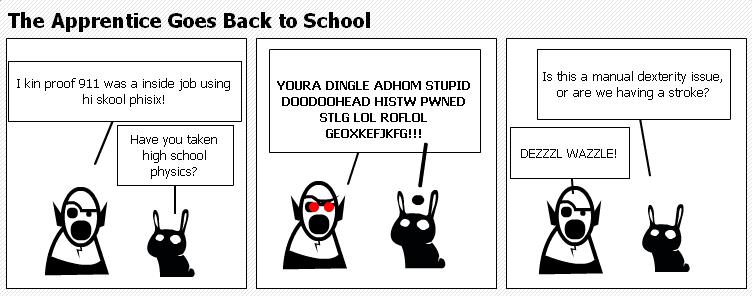
[qimg]http://static.stripgenerator.com/generated/anonymous/strip/2007/05/15/fat-gravy.png[/qimg]
Heh. I just got it.

[qimg]http://static.stripgenerator.com/generated/anonymous/strip/2007/05/15/fat-gravy.png[/qimg]

The distorted clock sells it! Perfect!

Making comix is hard. Is there a JREF approved character list somewhere? I don't want to use a CT character by mistake. Oh the pressure, the pressure.
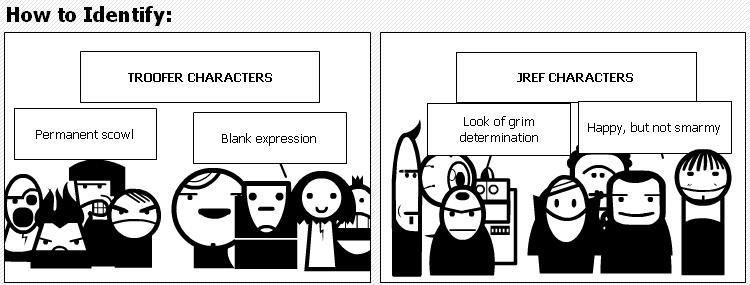
Names changed so I don't get sued to death....
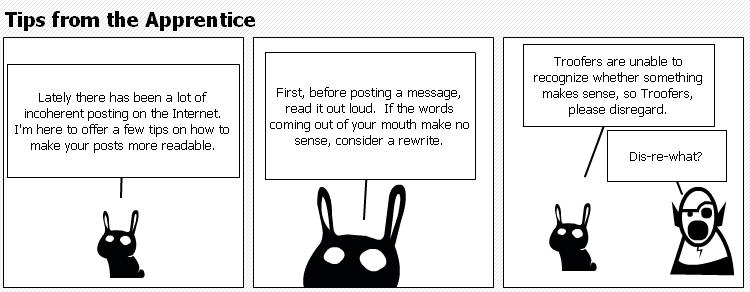
[qimg]http://static.stripgenerator.com/generated/anonymous/strip/2007/05/15/its-not-technically-a-lie.png[/qimg]


You can hotlink (since it's your own work, this doesn't violate the forum rules) using the IMG tag around the url of the picture (right-click on the full-size picture at stripgenerator.com, select properties, and copy the url)How do you increase the size of the design so that it is viewable in the post?
 ) --which is just a convenient way of letting the forum software insert the IMG tags for you.
How do you increase the size of the design so that it is viewable in the post?

Here's how to get best results:
3. In JREF forum, click VB Image Host/Upload An Image.
4. Follow the instructions to upload the image.